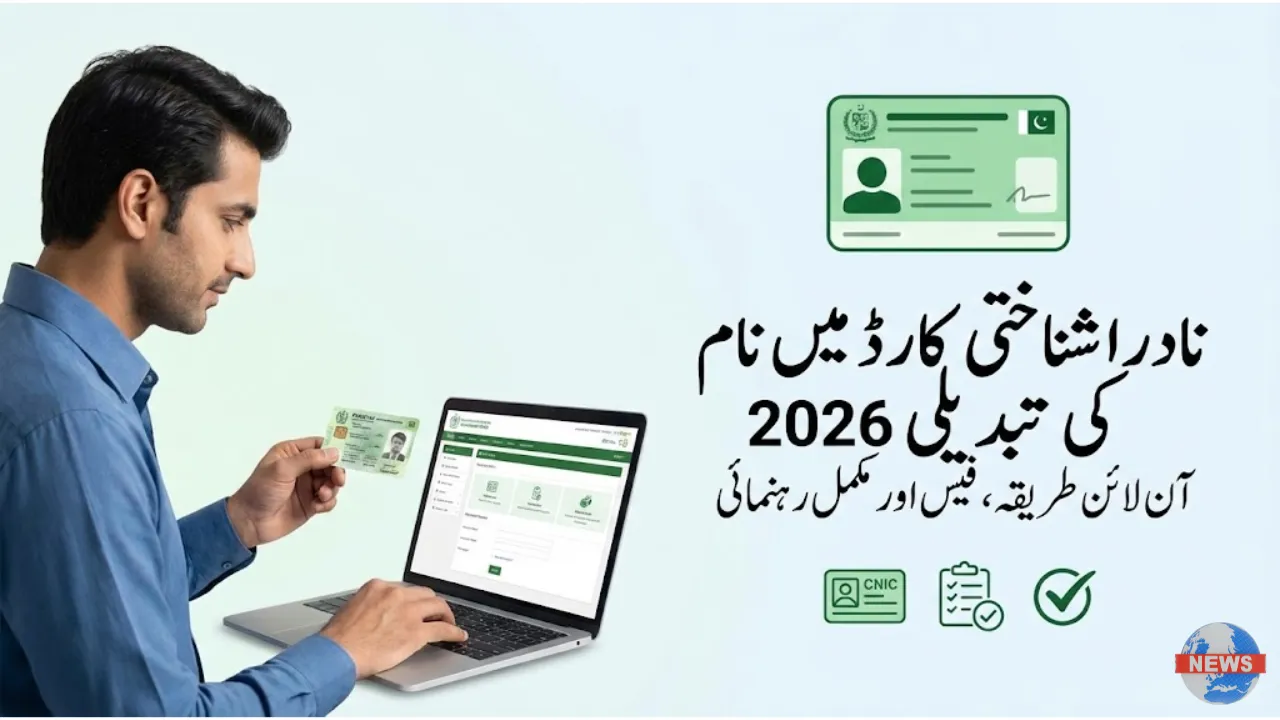
The NADRA Identity Card Name Change process in 2026 allows Pakistani citizens to officially correct or update their names on their CNIC or Smart CNIC. Whether the change is required due to a spelling mistake, marriage, or a legal name update, NADRA now offers a simple online and offline system to complete the process without unnecessary delays.
This complete guide explains how to change your name on NADRA CNIC in 2026, including step-by-step instructions, required documents, updated fees, and tracking methods.
Why You May Need to Change Your Name on CNIC
A correct name on your CNIC is essential for legal and daily matters. Even a minor spelling error can cause problems in official records.
Common reasons for CNIC name change include:
-
Spelling mistakes in first or last name
-
Name update after marriage
-
Legal name change through court
-
Mismatch with passport, bank, or education records
-
Cultural or religious name correction
Keeping your NADRA record accurate ensures smooth verification across all government and private institutions.
How to Apply Online for NADRA Name Change (2026)
NADRA’s Pak-ID online portal allows citizens to apply from home without visiting an office.

Step-by-Step Online Process
-
Visit the official Pak-ID website: https://id.nadra.gov.pk
-
Log in or create a Pak-ID account
-
Select “Modify CNIC / Name Correction”
-
Enter the correct name details carefully
-
Upload required supporting documents
-
Pay the NADRA name change fee online
-
Submit the application
-
Track status through your Pak-ID dashboard
Once approved, NADRA prints your updated CNIC and delivers it to your address.
Required Documents for NADRA CNIC Name Change
The documents depend on the reason for the change. Ensure all uploads are clear and valid.

Commonly required documents:
-
Original CNIC (front & back)
-
Marriage certificate (for name change after marriage)
-
Court order (for legal name change)
-
Educational certificate (for spelling correction)
-
Affidavit explaining the name change
Providing accurate documents helps avoid rejection or delays.
NADRA Name Change Fee Structure (2026)
The NADRA CNIC name change fee depends on urgency level:
| CNIC Type | Normal | Urgent | Executive |
|---|---|---|---|
| Smart CNIC | Rs. 400 | Rs. 800 | Rs. 1,600 |
Note: Fees for overseas Pakistanis (NICOP) may be higher due to international delivery charges.
Name Spelling Correction Through Pak-ID Portal
If your issue is only a spelling mistake, NADRA allows a faster correction process.
Usually, only a matric certificate or birth record is required for verification.

This option reduces paperwork and processing time.
Offline Method – Visit NADRA Registration Center (NRC)
Applicants who prefer in-person service can visit the nearest NADRA Registration Center.
Steps include:
-
Fill out the name change form
-
Provide biometrics and photograph
-
Submit supporting documents
-
Receive a tracking slip
This option is helpful for complex legal name changes.
How to Check NADRA CNIC Name Change Status
You can track your application easily:
-
Online: Log in to Pak-ID and check application status

-
SMS: Send your 13-digit CNIC number to 8400
Both methods provide quick updates on printing and delivery.
NADRA Name Change for Overseas Pakistanis (NICOP)
Overseas Pakistanis can apply through the Pak-ID portal for NICOP name correction.
The entire process is online, and the updated NICOP is delivered internationally.
This service helps expatriates keep records consistent worldwide.
Important Tips Before Applying
-
Double-check spelling before submission
-
Ensure documents match requested name
-
Use the same name across passport, bank, and education records
-
Save Pak-ID login details for future use
These steps reduce rejection risk.