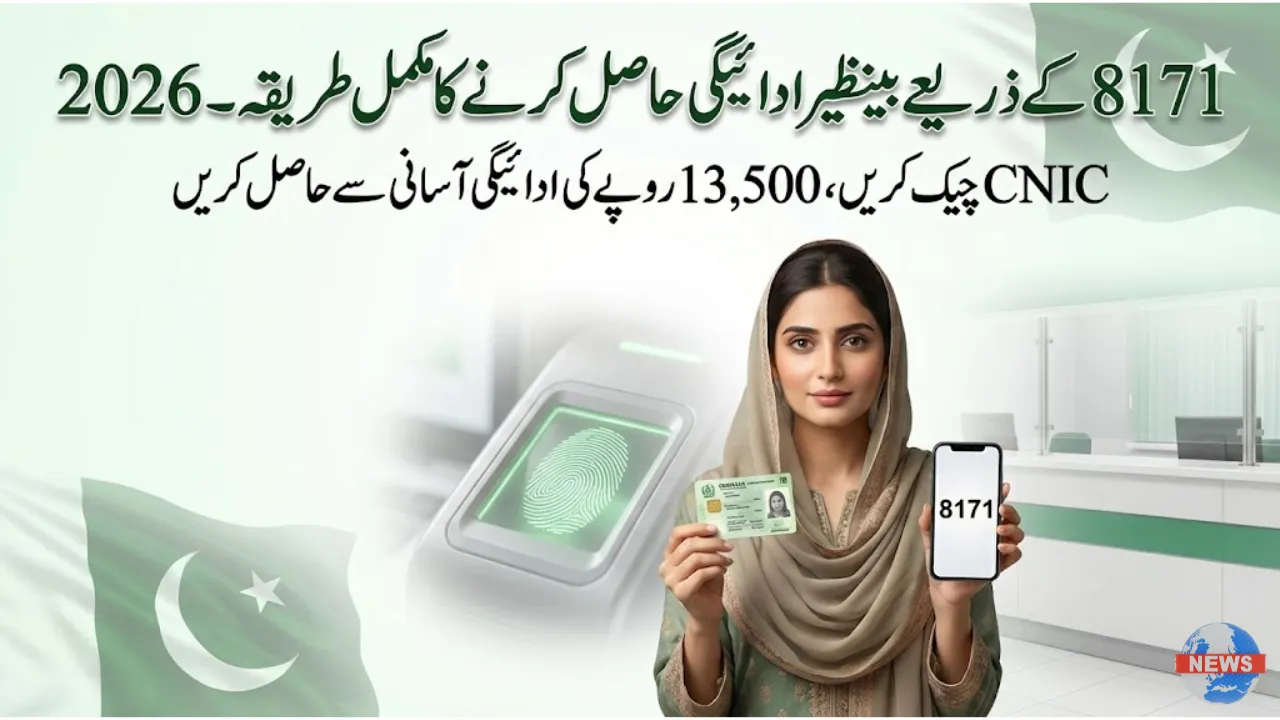
If you want to know how to receive your Benazir Income Support Programme (BISP) payment through the 8171 portal in 2026, this complete guide is for you. Millions of low-income families across Pakistan depend on BISP payments, and in 2026 the government has further improved the system to make payments faster, safer, and more transparent.
Whether you live in a big city or a remote village, this guide explains how to check eligibility, confirm payment, and safely receive your Benazir Kafalat amount using the official 8171 portal—without agents or confusion.
What Is the 8171 Portal and Why It Matters in 2026
The 8171 BISP web portal is the official digital platform provided by the Government of Pakistan. It allows beneficiaries to check eligibility, payment status, and registration details online using their CNIC.
Key Details of 8171 Portal
| Feature | Details |
|---|---|
| Portal Name | 8171 BISP Online Portal |
| Official Website | https://8171.bisp.gov.pk |
| Purpose | Eligibility & payment status check |
| Target Users | Registered BISP beneficiaries |
| Languages | Urdu & English |
| Verification | NADRA CNIC-based |
The portal directly connects with NADRA, ensuring only verified and deserving families receive payments.
Step-by-Step: How to Receive Benazir Payment via 8171 Portal (2026)
Follow these steps carefully to avoid delays or fraud.
Step 1: Open the Official 8171 Website
Visit https://8171.bisp.gov.pk using your mobile or computer.
⚠️ Always use the official site to avoid fake portals.
Step 2: Enter Your CNIC Number
Type your 13-digit CNIC number (without dashes) and complete the captcha.
Step 3: Check Eligibility & Payment Status
After submitting, the system will show:
-
Eligibility status
-
Payment amount (e.g. Rs. 13,500)
-
Payment phase or cycle
Step 4: Wait for SMS from 8171
Once payment is released, you will receive an official SMS from 8171 with payment details and collection method.
Step 5: Collect Your Payment
Visit the assigned bank branch, ATM, or BISP-authorized agent with:

-
Original CNIC
-
Registered SIM number
-
Biometric verification
Step 6: Confirm Payment on Portal
After receiving cash, revisit the portal to ensure the status shows “Paid”.
BISP Bank Partners for Payments in 2026
In 2026, BISP payments are distributed through multiple trusted banks:
| Bank Name | Payment Method | Coverage |
|---|---|---|
| HBL Konnect | Biometric agents & ATMs | Punjab, Sindh, Islamabad |
| Bank Alfalah | Branch cash withdrawal | Sindh & Balochistan |
| UBL Omni | Agent-based disbursement | KP & Gilgit-Baltistan |
| Meezan Bank | Selected pilot districts | Punjab & Karachi |
| Mobilink Microfinance | Digital wallet transfers | Major cities |
All partners follow biometric verification to prevent fraud.

Common Problems & Easy Solutions (2026)
CNIC Not Verified
→ Renew or update CNIC at NADRA.
Biometric Verification Failed
→ Clean hands, retry, or visit BISP office for manual verification.
No SMS Received
→ Check payment status directly on the 8171 portal.
Payment Shown as Paid but Not Received
→ Wait a few hours or contact the local BISP office.
Benefits of Using the 8171 Portal in 2026
-
✅ No middlemen or agents
-
✅ Instant eligibility check

-
✅ Works across all provinces
-
✅ NADRA-verified system
-
✅ Secure biometric payments
-
✅ Saves time & travel costs